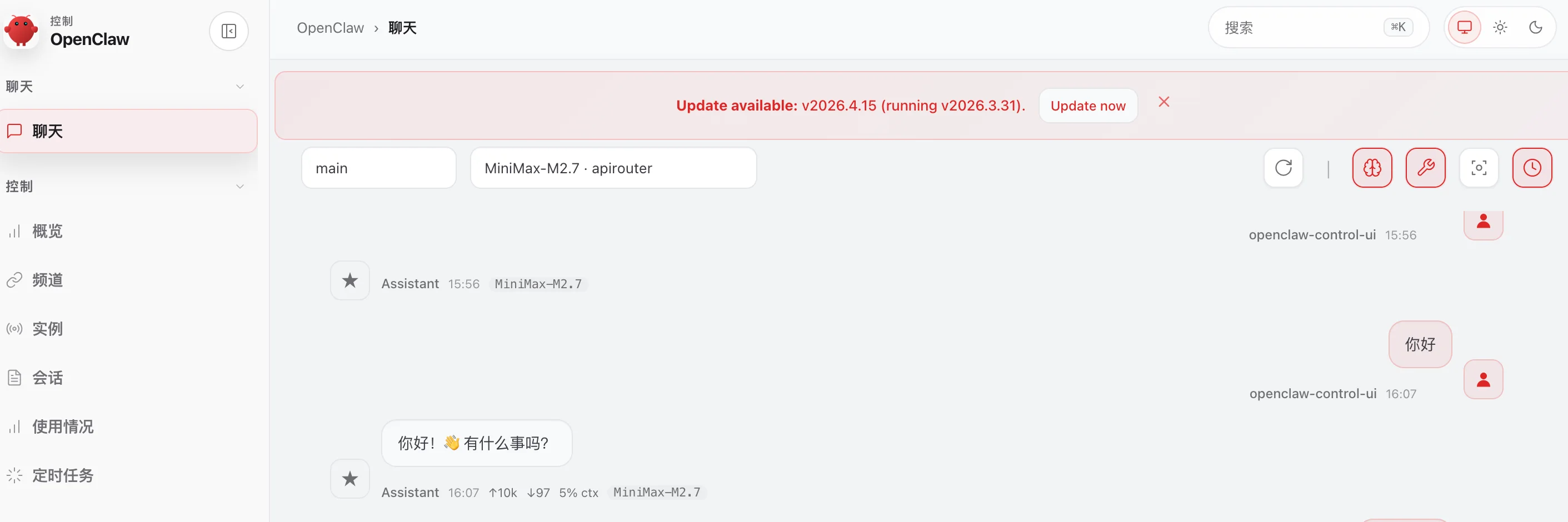
外观
OpenClaw晨涧云大模型API调用实测
本文以晨涧云OpenClaw云主机为例,详细介绍如何使用晨涧云大模型Api Token
创建OpenClaw 云主机或者云容器
OpenClaw云容器创建和使用参考 : OpenClaw云容器
OpenClaw云主机创建和使用参考:OpenClaw - Ubuntu 或 OpenClaw - Windows
晨涧云大模型API
申请晨涧云大模型API 令牌
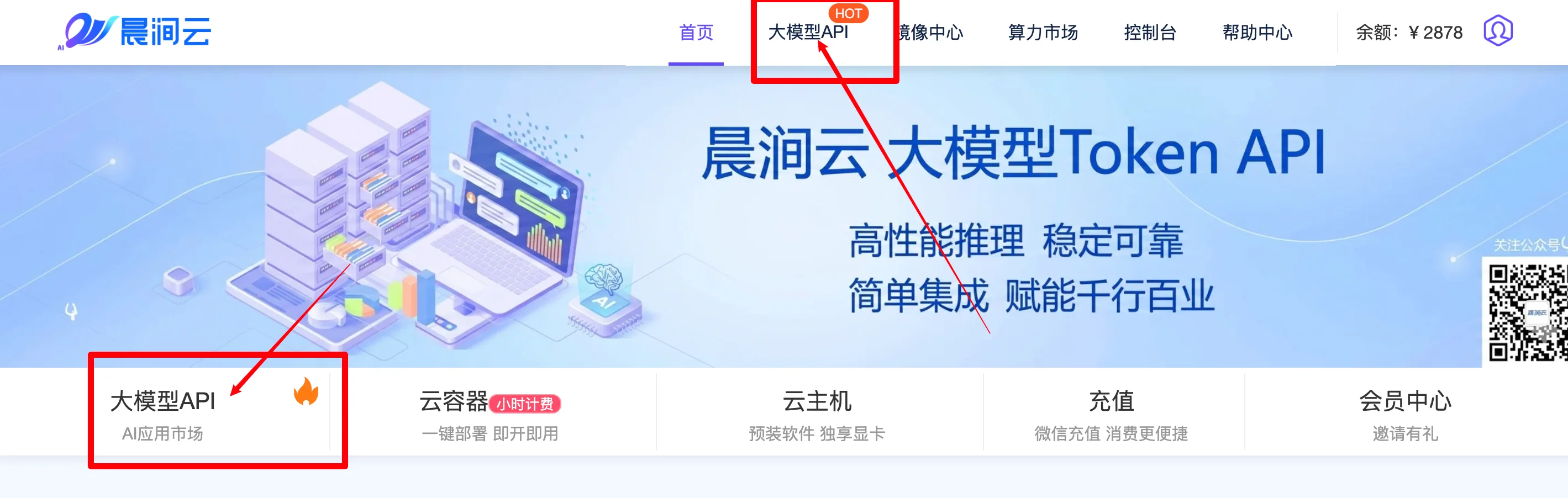
访问入口如下图,在晨涧云官网访问
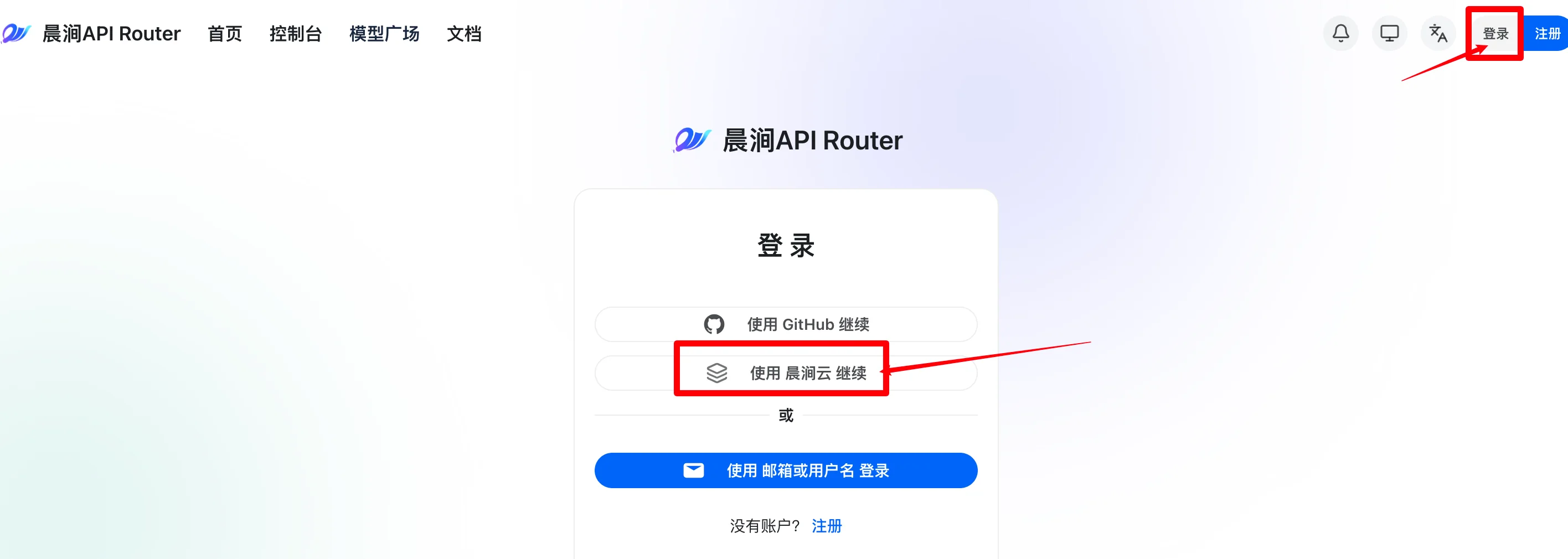
建议使用晨涧云账号登录
登录之后 添加令牌
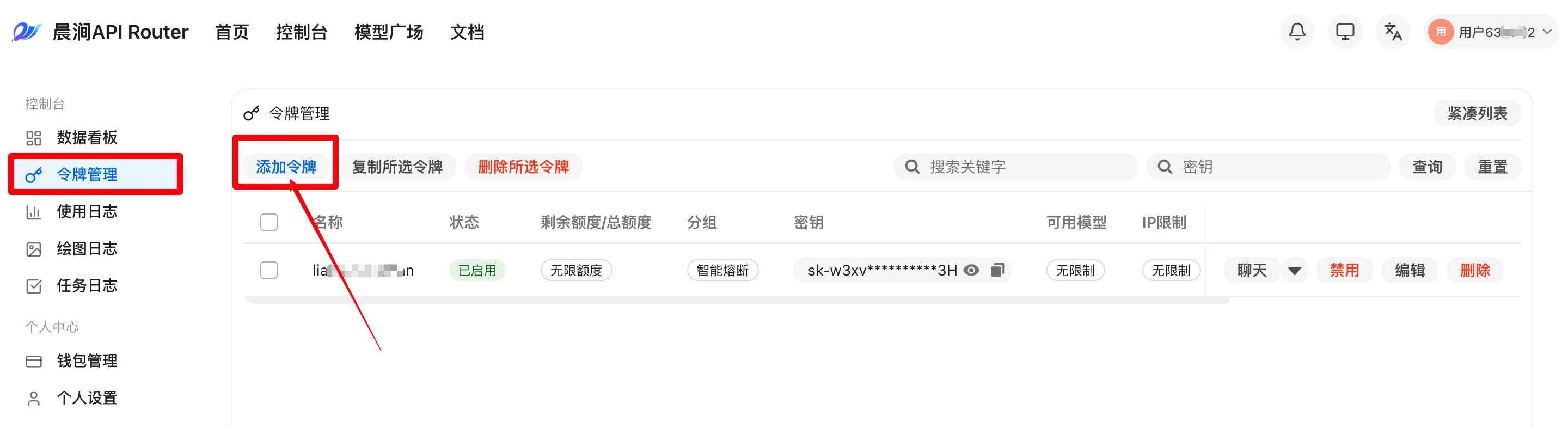
注意令牌分组的选择,auto能访问所有晨涧API大模型
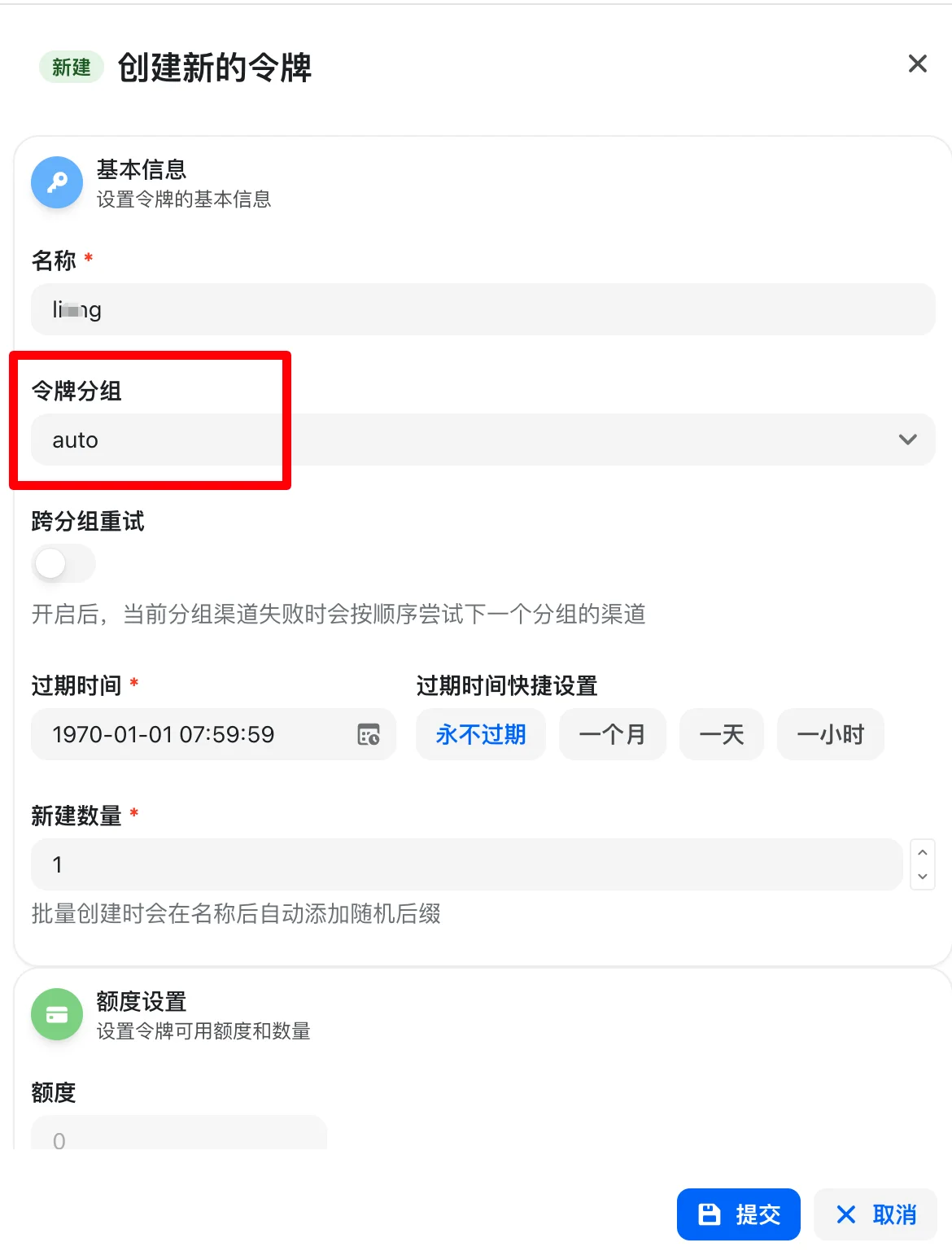
添加后可以复制令牌密钥,OpenClaw访问大模型配置需要
修改OopenClaw默认模型配置
创建完成之后修改openclaw.json 配置, baseUrl和apiKey,然后选择合适的默认模型(agents.defaults.model.primary)和 agents.defaults.models一定要配置好
配置完成示例
json
"models": {
    "mode": "merge",
    "providers": {
      "ollama-remote": {
        ...此处省略
      },
      "apirouter": {
        "baseUrl": "https://apirouter.mornai.cn/v1",
        "apiKey": "晨涧云大模型API 密钥",
        "api": "openai-completions",
        "models": [
          {
            "id": "MiniMax-M2.7",
            "name": "MiniMax-M2.7",
            "reasoning": true,
            "input": [
              "text"
            ],
            "cost": {
              "input": 0,
              "output": 0,
              "cacheRead": 0,
              "cacheWrite": 0
            },
            "contextWindow": 204800,
            "maxTokens": 131072
          }
        ]
      }
    }
  },
  .....
  "agents": {
    "defaults": {
      "model": {
        "primary": "apirouter/MiniMax-M2.7"
      },
      "models": {
        "apirouter/MiniMax-M2.7": {
          "alias": "MiniMax-M2.7"
        }
      },
      "workspace": "/home/linux/.openclaw/workspace",
      "compaction": {
        "mode": "safeguard"
      }
    }
  },
命令行输入验证配置模型是否成功
openclaw models list --provider apirouter
打开OpenClaw聊天窗口测试服务